How to save recipes from TikTok
Last updated
There are three ways to save a recipe from TikTok: add the video to your Favourites, screenshot the ingredients, or share the video to a recipe app that writes the recipe out. Favourites and screenshots keep the video or a picture of it; a recipe app like Groceree keeps the ingredients, quantities and steps, ready for a shopping list.
Most TikTok recipes are never written down anywhere. The quantities flash up on screen for a second, or the creator just says them while cooking. That is why a saved TikTok so rarely turns into dinner: to cook it you have to find the video again and scrub through it with flour on your hands.
Three ways to keep a TikTok recipe
Add it to your Favourites
The bookmark on a TikTok puts the video in your Favourites. It is quick, but it keeps the video, not the recipe: there is no ingredient list, no search by ingredient, and if the creator deletes the video or makes the account private, it is gone.
Screenshot the ingredients
A screenshot survives the video being deleted, but it only holds what was on screen at that moment. Spoken quantities and the method are missing, the picture disappears into the camera roll, and nothing on it can be scaled or added to a list.
Share it to Groceree
Share the TikTok to Groceree and it reads the caption. When the caption does not hold the full recipe, it watches the video as well, listening to what is said and reading the text on screen. You get a written recipe you can cook from, scale and shop for.
From a TikTok to your shopping list
Five steps, and only the first two happen in TikTok.
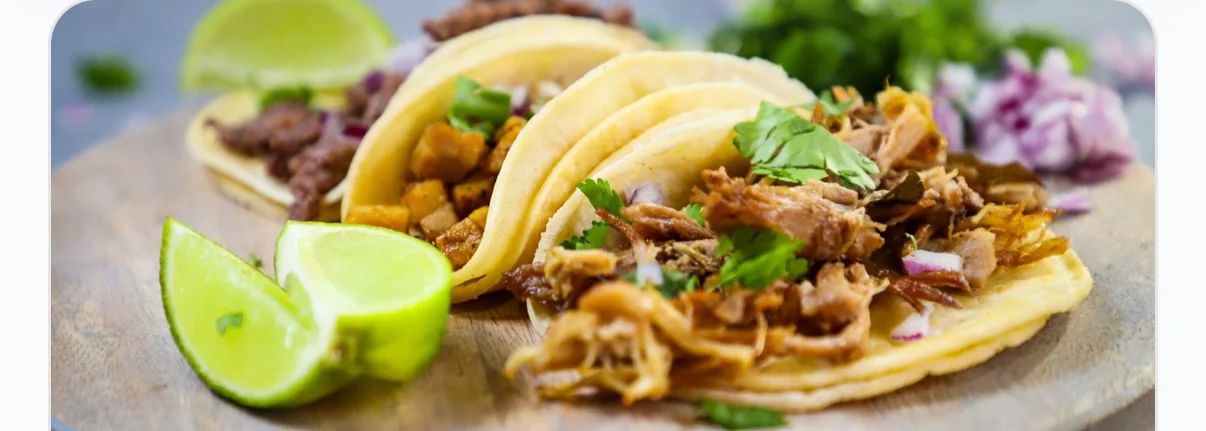
Open the TikTok
01Open the TikTok
Find the recipe video and open it. Public videos work, including the ones where the recipe is only said out loud.
Open the TikTok
 Groceree02
Share it to Groceree
Tap the Share arrow and pick Groceree. Not in the list on iPhone? Tap More and add it. On Android, scroll along to find it.
 03
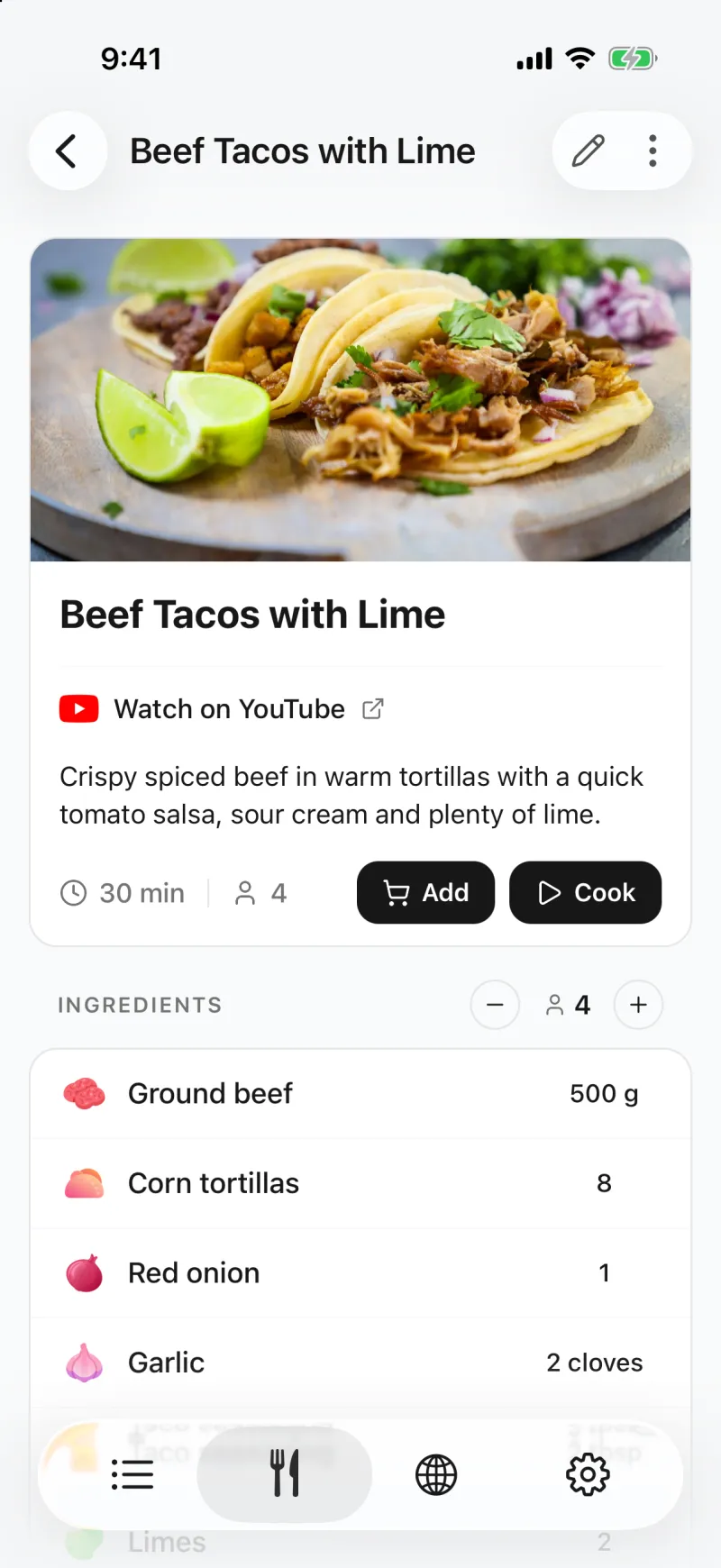
03The recipe is written out
Within a minute the recipe opens in Groceree: ingredients with their quantities, numbered steps, servings and a link back to where it came from.
 04
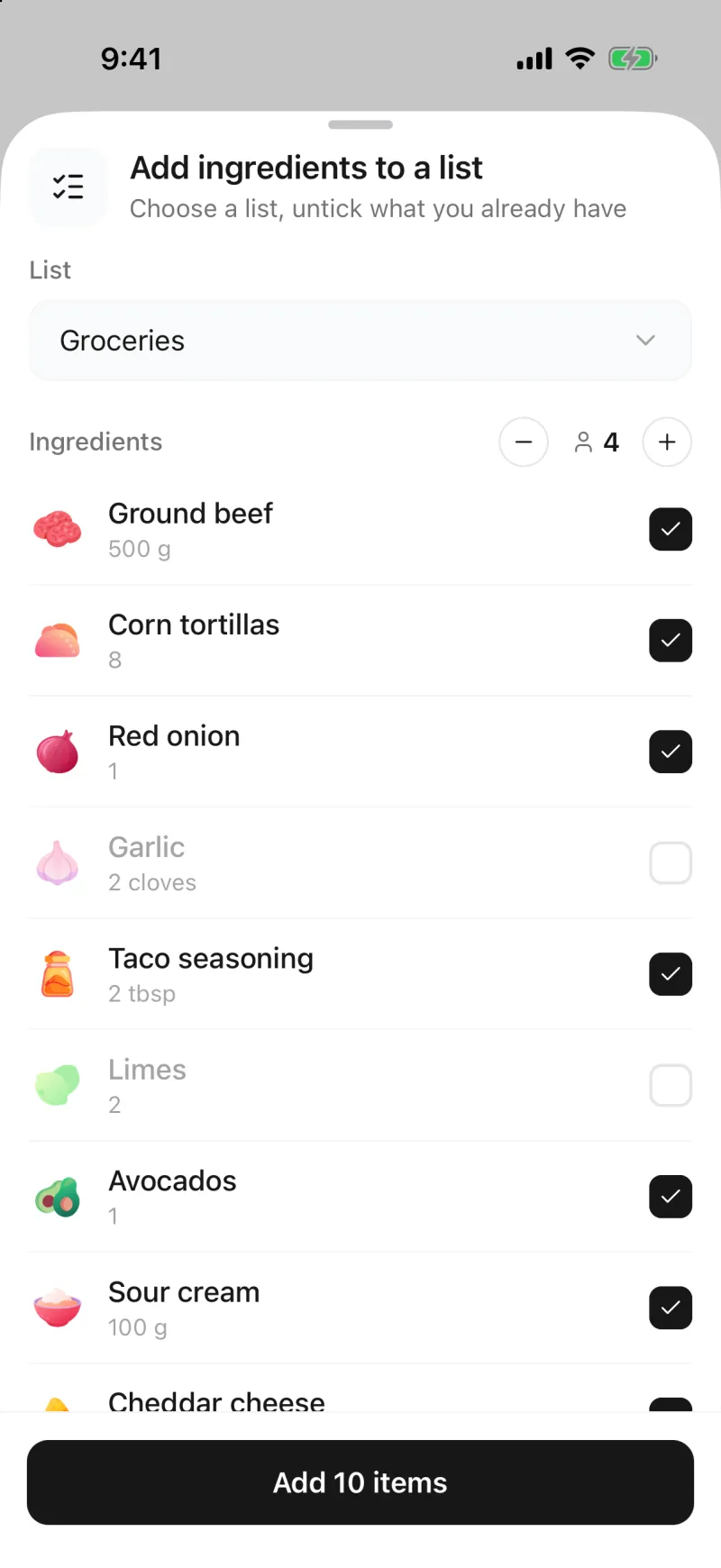
04Untick what you already have
Tap Add on the recipe, choose a list and set the servings. Untick the salt and anything else already in the cupboard.
 05
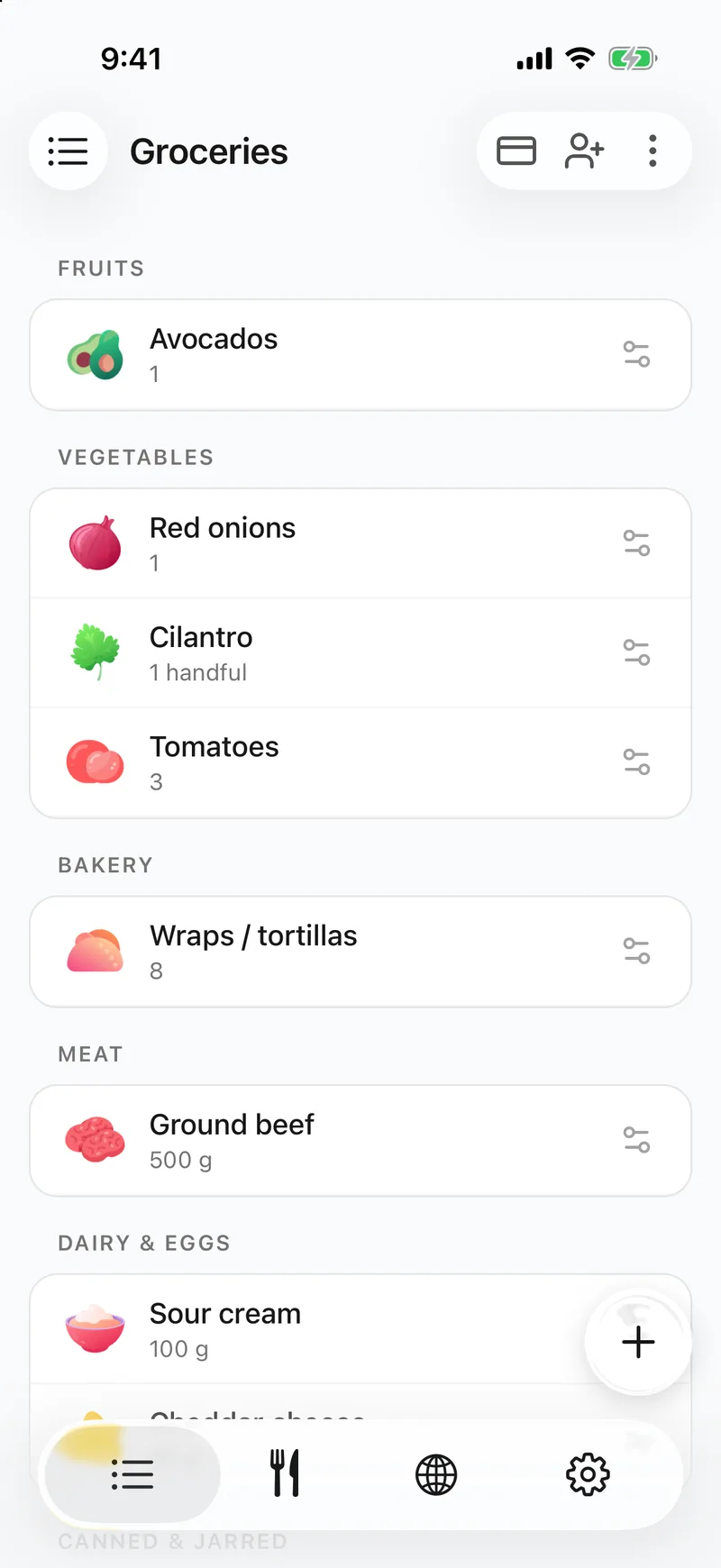
05It is on the shared list
The rest lands on the list sorted by supermarket aisle, and everyone you share the list with sees it straight away.
What ends up in the saved recipe
- The name of the dish, and the number of servings when the video gives it.
- Every ingredient with its quantity and unit, grouped into parts such as the sauce or the topping when the creator splits them.
- The method as numbered steps, and the cooking time when it is stated.
- A picture from the video, kept as the recipe’s photo.
- A “Watch on TikTok” link back to the video, so the creator still gets the view.
- The recipe stays in the language it was written in. A Translate button shows it in the language you use the app in, or turn on “Translate imported recipes” in Settings to do that for every import.
Where it has limits
- Only public videos can be read. A video from a private account, or one that has been removed, cannot be opened.
- The profile bio is never opened, so “recipe in bio” posts give no recipe. A link written in the caption is followed, which is often where the full recipe is.
- A quantity the creator never shows or says stays empty rather than guessed. Check the recipe against the video before cooking, and fill in or edit anything.
- A video that does not show a dish being made, like a taste test or a restaurant visit, has no recipe to save.
- A recipe in a language the app does not have, such as Japanese, is saved in English.
Questions about saving TikTok recipes
- Is there an app that turns TikTok videos into recipes?
- Yes. Share a TikTok cooking video to Groceree and it writes out the recipe: the ingredients with quantities, the steps and the servings. Groceree is free on iPhone and Android, and saving recipes is part of the free app.
- Does it work when the recipe is only spoken in the video?
- Yes. When the caption does not hold the recipe, Groceree watches the video, listens to what is said and reads the text that appears on screen. Amounts the creator never mentions are left empty for you to fill in.
- Can I paste a TikTok link instead of sharing?
- Yes. Copy the link in TikTok, then in Groceree tap + on the Recipes tab, choose “Import from Instagram, TikTok, YouTube…” and paste it under “Or paste a link from a social network here”. Short vm.tiktok.com links work too.
- What happens if the creator deletes the video?
- The recipe is saved in your Groceree account, so the ingredients and steps stay. Only the “Watch on TikTok” link stops working.